Sign in the way your organization already does
A work email, a Microsoft or Google account, or a passkey that is unique to each user.
 NORIKERAll demos
One secure workspace to chat with your data, automate your work, and launch AI apps. This is the fastest way to see how the parts fit.
FinBlade AI · Produced by ICS Nett · Sample data
See this with your own dataMost AI tools do one thing. A chatbot answers questions. A workflow tool moves tasks. A dashboard tool draws charts. Each one needs its own copy of your data, its own logins, and its own security review.
The tour shows why the other demos are possible. Chat, workflows, apps, and dashboards all draw from one permissioned library, inside one workspace. Your team learns one tool, and your security team reviews one platform.
A work email, a Microsoft or Google account, or a passkey that is unique to each user.
Ask questions of your own data in plain language and get answers grounded in it.
Design, run, and approve multi-step automations. Keep ready-made apps, dashboards, and databases in one place.
Every file lives in one library, from uploads to SharePoint. Connections link outside services for the assistant to use.
FinBlade AI is one secure workspace to chat with your data, automate your work, and launch AI apps. Expect private answers grounded in your own data, automation that takes on multi-step work, and AI apps ready in a single click. Signing in is simple, with a work email or with your Microsoft or Google account. You can also sign in with a passkey, which is unique to each user. If a password is ever forgotten, the passkey still signs you in, with all your activity and information intact. For this demo, we'll sign in with an email and password. Once inside, everything is organized into platforms, each one a click away in the sidebar. Chat AI is where you ask questions of your own data in plain language. Workflow AI is where multi-step automations are designed, run, and approved. Apps holds your ready-made apps, dashboards, and databases with Studio AI alongside. My Data keeps every file in one place, from uploads to SharePoint. And Connections links outside services like GitHub or Notion for the assistant to use. One secure workspace, ready for your everyday work.
Company names, people, and figures in these demos are illustrative. Your configuration, data access, and deployment are defined during scoping.
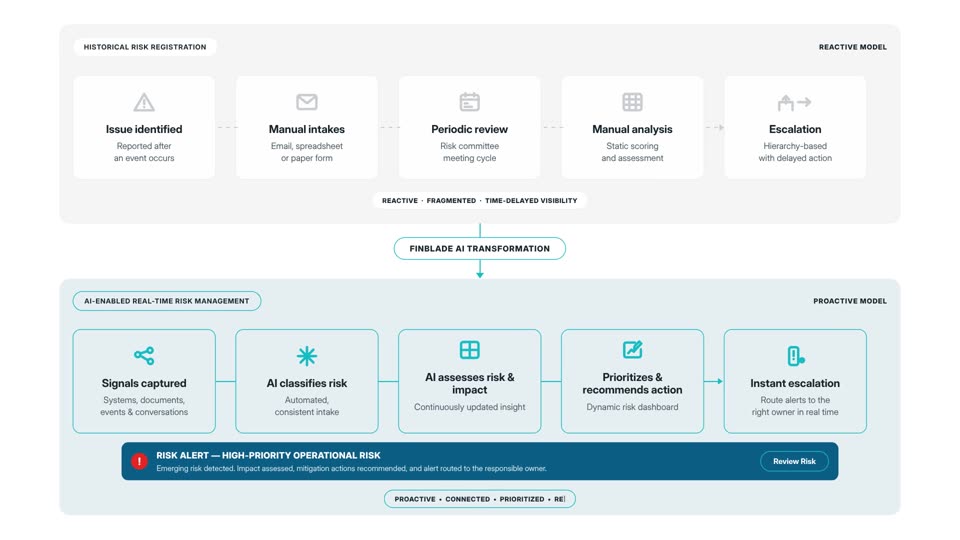 0:51
A 51-second look at moving risk work from after the event to the moment a signal appears.
Explore this demo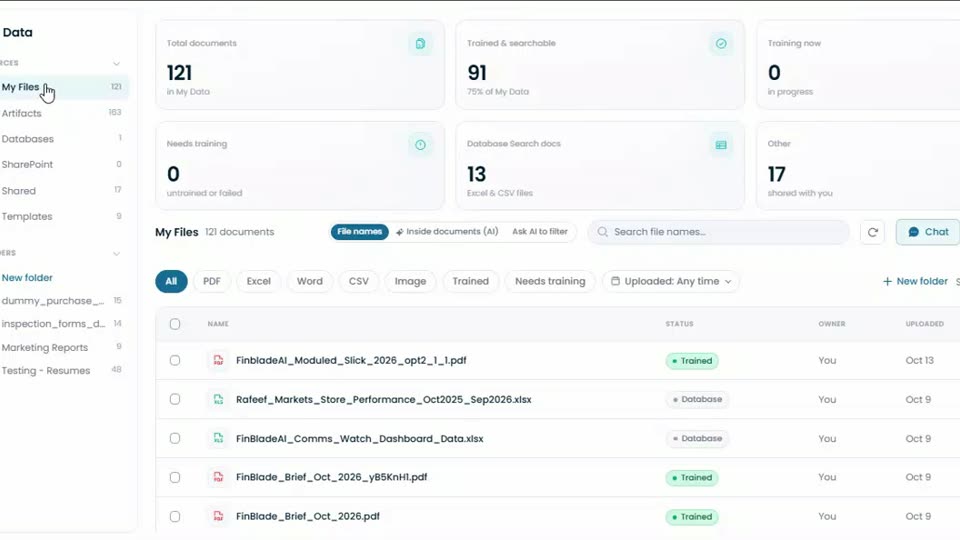 1:55
Upload documents, spreadsheets, and scans. Ask questions of one file or many, and get answers that cite the file they came from.
Explore this demo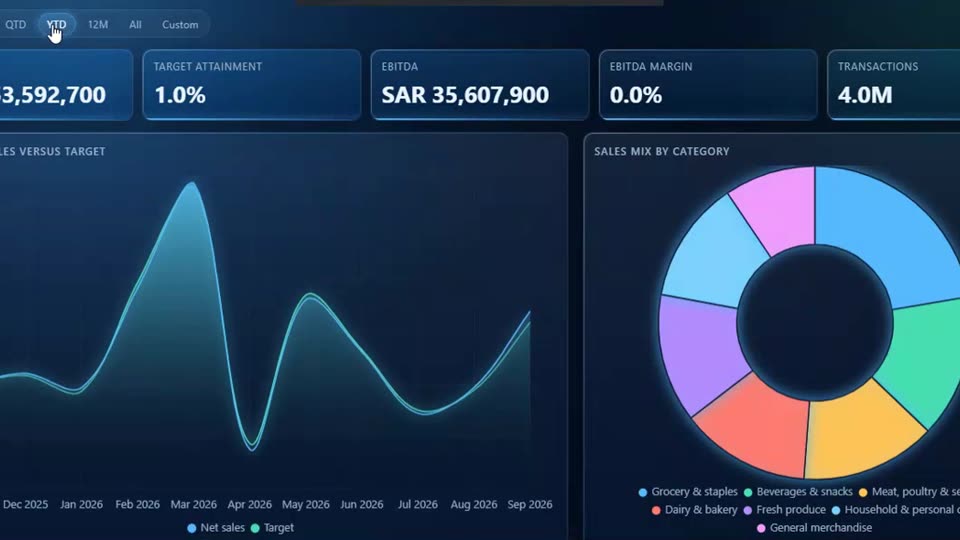 2:23
Describe the view you need. The platform builds charts and a live dashboard from your own data.
Explore this demo